Passkeys Explained: How to Replace Your Passwords Safely
What passkeys are, why they resist phishing, and a step-by-step plan to switch your email, bank and social accounts without getting locked out.
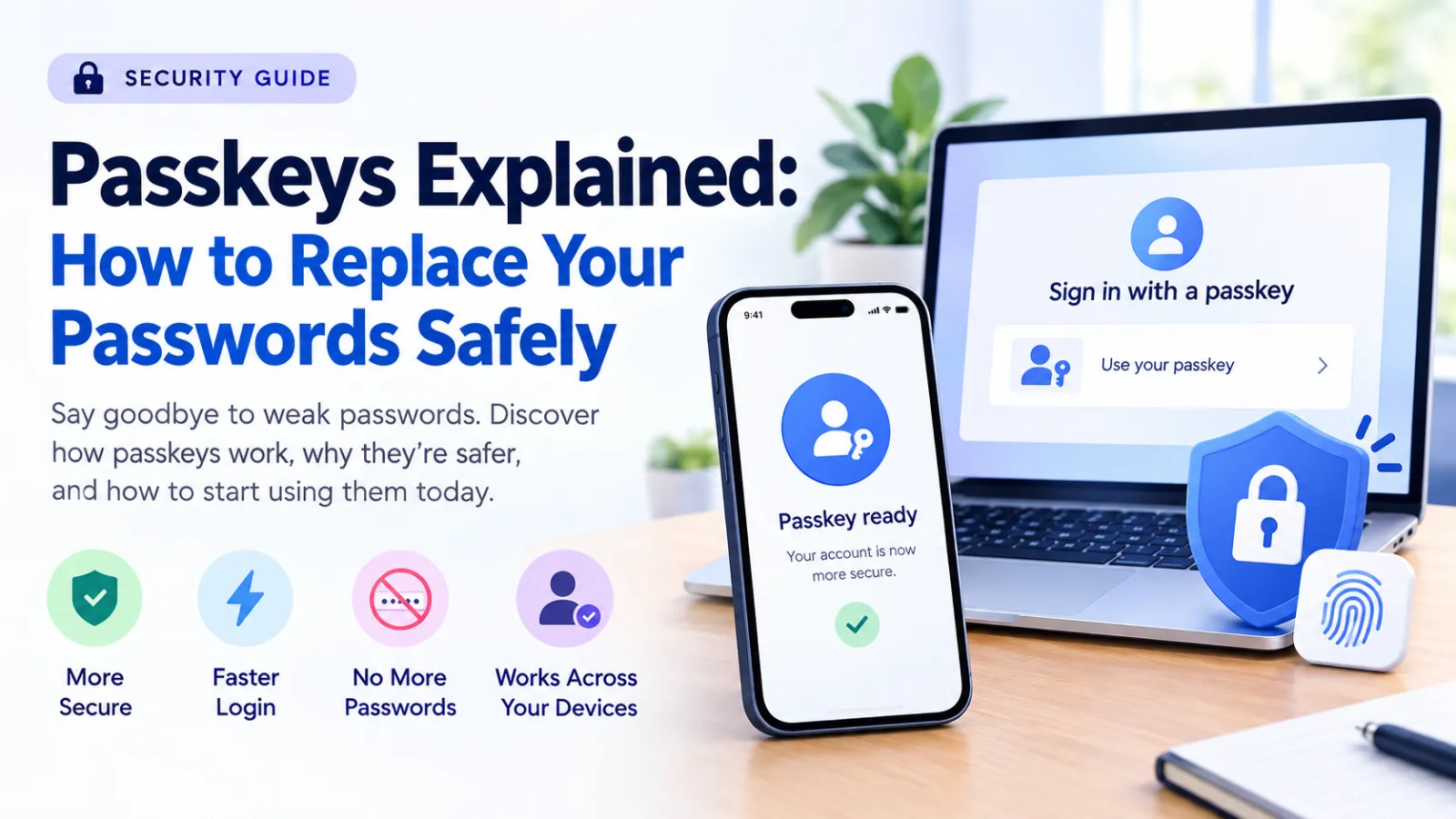
Why passwords keep failing
Most account takeovers start with a reused or phished password. Even strong passwords can be typed into a convincing fake login page. Passkeys remove that weak point: there is nothing to type, so there is nothing to steal.
How a passkey works
When you create a passkey, your device generates a pair of cryptographic keys. The public key is stored by the website; the private key never leaves your phone, computer or password manager. To sign in, you confirm with your fingerprint, face or device PIN, and the device proves it holds the private key. A fake website cannot use this proof because passkeys are tied to the real site's address.
What you need
- A recent phone or computer with a screen lock enabled.
- A place to store passkeys: the built-in manager on your phone, your browser, or a password manager that supports syncing.
- Accounts that offer passkeys. Most major email, cloud, shopping and payment services now do.
A safe switching plan
- Start with your main email account, because it can reset every other password.
- Add a passkey in the security settings and test signing out and back in.
- Keep at least one recovery option active: a backup phone number, recovery codes stored offline, or a second device with its own passkey.
- Move on to banking, cloud storage and social accounts one at a time.
- Once a passkey works reliably, remove SMS codes where the service allows a stronger backup.
Common worries
Losing your phone does not mean losing your accounts if your passkeys sync to your account or a password manager, or if you created a second passkey on another device. Sharing a family computer is fine as long as each person uses their own profile and screen lock.
Limits to know
Some older services still require a password alongside a passkey, and switching between different phone and computer brands can mean creating separate passkeys on each. Check every account's recovery settings before deleting old sign-in methods.
The takeaway
Passkeys are faster than passwords and far harder to phish. Switch your most important accounts first, keep a tested recovery method, and expand gradually.

Understanding the Basics of Cybersecurity at Home
Simple, jargon-free steps every household can take to protect accounts, devices and personal data.

15 Best AI Tools for Bloggers in 2026
A practical, honest guide to AI tools for bloggers, with realistic options, safety checks, common mistakes, and a clear starting plan.

10 Best Free AI Tools for Content Creators in 2026
A practical, honest guide to free AI tools, with realistic options, safety checks, common mistakes, and a clear starting plan.