How to Build and Launch Your First Web App Without Writing Code Using AI (2026)
Learn how to build and launch a full-stack web application without coding in 2026 using modern AI app builders, serverless databases, and smart deployment.
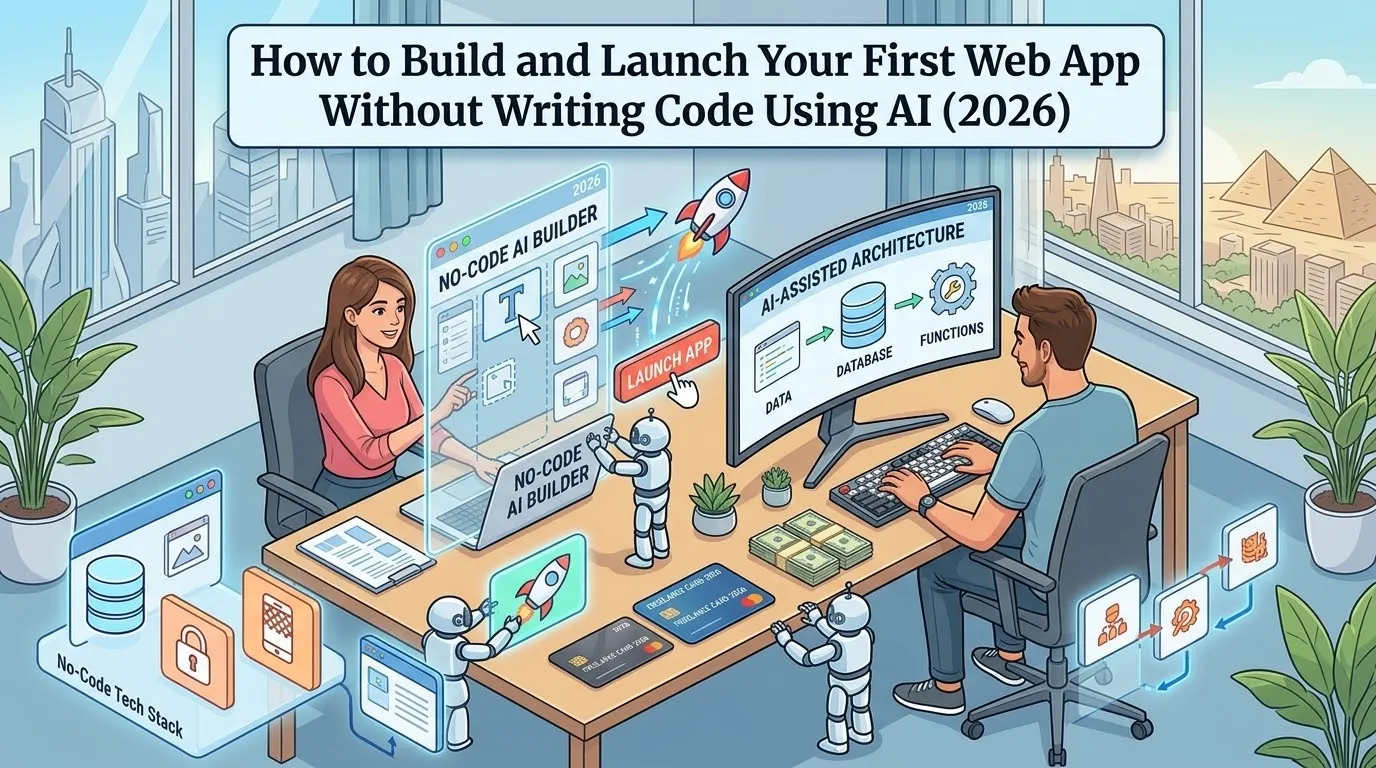
Software development has experienced its most profound transformation in computing history. Until recently, building a custom web application required years of computer science education, proficiency in complex JavaScript frameworks, backend server configuration, and deep database administration knowledge. Entrepreneurs with groundbreaking ideas were forced to hire expensive freelance development agencies or spend thousands of dollars on junior programmers simply to validate a minimal viable product (MVP).
In 2026, autonomous artificial intelligence engineering engines have completely eliminated this barrier. Today, anyone capable of writing clear, structured English prompts can design, engineer, and deploy fully functional software applications with persistent databases, user authentication, and third-party payment gateways. In this comprehensive step-by-step blueprint, we guide you through the exact process of taking a software concept from a simple mental outline to a live, revenue-generating web application without touching a traditional code editor.
The Modern Generative Engineering Stack Explained
Before issuing your first software prompt, you must understand the architecture behind modern no-code AI app builders. Unlike legacy drag-and-drop website builders that produced rigid, slow-loading templates, modern AI development platforms generate clean, full-stack enterprise code—typically utilizing React, Tailwind CSS, TanStack Router, and serverless edge functions.
Leading platforms like Lovable, Bolt, and Cursor operate by interpreting high-level architectural instructions and translating them into modular component files. Beneath the intuitive user interface, the AI provisions responsive frontend elements, sets up robust client-side state management, and connects automatically to cloud database backends. You are not building a toy prototype; you are generating production-grade web software capable of handling tens of thousands of active concurrent users.
Conceptualizing Your Product and Drafting an Actionable Product Requirement Document (PRD)
The greatest mistake non-technical founders make is starting with vague, ambiguous prompts like "build me an app like Airbnb." Large language models require structured constraints to build scalable software without creating architecture conflicts.
Defining User Roles and Permission Hierarchies
Before opening your AI builder, map out exactly who interacts with your application. Does your platform require distinct interfaces for regular buyers versus corporate vendors? Defining role-based access control (such as Admin, Editor, and Member) during the initial design phase ensures the AI constructs secure database policies from the very first migration.
Outlining Core User Journeys and Database Schemas
Document each step a user takes, starting from landing on the homepage, creating an account via social authentication, submitting a form, and viewing personal dashboards. Outline the essential data tables your app requires—such as Users, Listings, Transactions, and Notifications. Providing this structured outline in your initial prompt guarantees the AI builds cohesive relational tables rather than disjointed components.
Generating the Responsive Frontend and Design Tokens
With your specification ready, initiate the generation process inside your AI app builder. Instruct the system to establish a distinctive, semantic design system before generating complex functional pages.
Specify exact color palettes, typography scales, card layouts, and responsive breakpoints. Modern web design favors clean typography, subtle glassmorphic borders, and high-contrast dark modes. Ensure that navigation bars, persistent footers, and interactive modal dialogs are fully optimized for mobile touchscreens as well as widescreen desktop displays. Test interactive components immediately in the live preview sandbox to verify hover states, tab navigation, and responsive reflows.
Configuring Authentication and Serverless Cloud Databases
An application becomes genuinely valuable when it stores user data securely and remembers account preferences across multiple browsing sessions.
Modern AI development environments integrate seamlessly with modern cloud backends (such as Supabase). The AI automatically writes and executes PostgreSQL database migrations, creates relational tables with foreign key constraints, and enforces Row-Level Security (RLS) policies so users can only view and modify their own proprietary records. You can activate one-click Google OAuth authentication, email magic links, and encrypted profile management simply by requesting them in conversational prose.
Integrating Monetization and Third-Party API Connectors
Once your core application workflow functions smoothly, transform your project into a viable business by attaching automated payment processing.
Connect payment providers like Stripe or Paddle to handle recurring subscription billings or single-item digital checkouts. Modern AI builders can configure checkout sessions, customer portal links, and secure webhook receivers that listen for successful payment events. When a customer upgrades their account, the webhook immediately updates their database user role from "free" to "premium," granting instant access to gated software features. For ideas on packaging and marketing digital products, consult our comprehensive guide on How to Make Money with Higgsfield AI in 2026.
Testing, Domain Mapping, and Production Deployment
Before presenting your newly minted application to the public, rigorous QA testing across multiple devices is vital to identify edge-case bugs.
Test your application under simulated slow network conditions. Verify that loading spinners appear during asynchronous database fetches, that empty states display helpful illustrations when no records exist, and that form validation catches invalid email formats or empty inputs. Once satisfied, connect your custom domain name using simple DNS CNAME records. Modern edge deployment platforms provide free, automated SSL certificates and global CDN caching, ensuring your software loads in milliseconds for international visitors across the globe.

Passkeys Explained: How to Replace Your Passwords Safely
What passkeys are, why they resist phishing, and a step-by-step plan to switch your email, bank and social accounts without getting locked out.
Understanding the Basics of Cybersecurity at Home
Simple, jargon-free steps every household can take to protect accounts, devices and personal data.

15 Best AI Tools for Bloggers in 2026
A practical, honest guide to AI tools for bloggers, with realistic options, safety checks, common mistakes, and a clear starting plan.