Higgsfield AI Review 2026: Complete Guide to Cinematic AI Video
A comprehensive 2026 review and guide to Higgsfield AI. Learn how to generate cinematic AI videos, master camera controls, and monetize on social media.
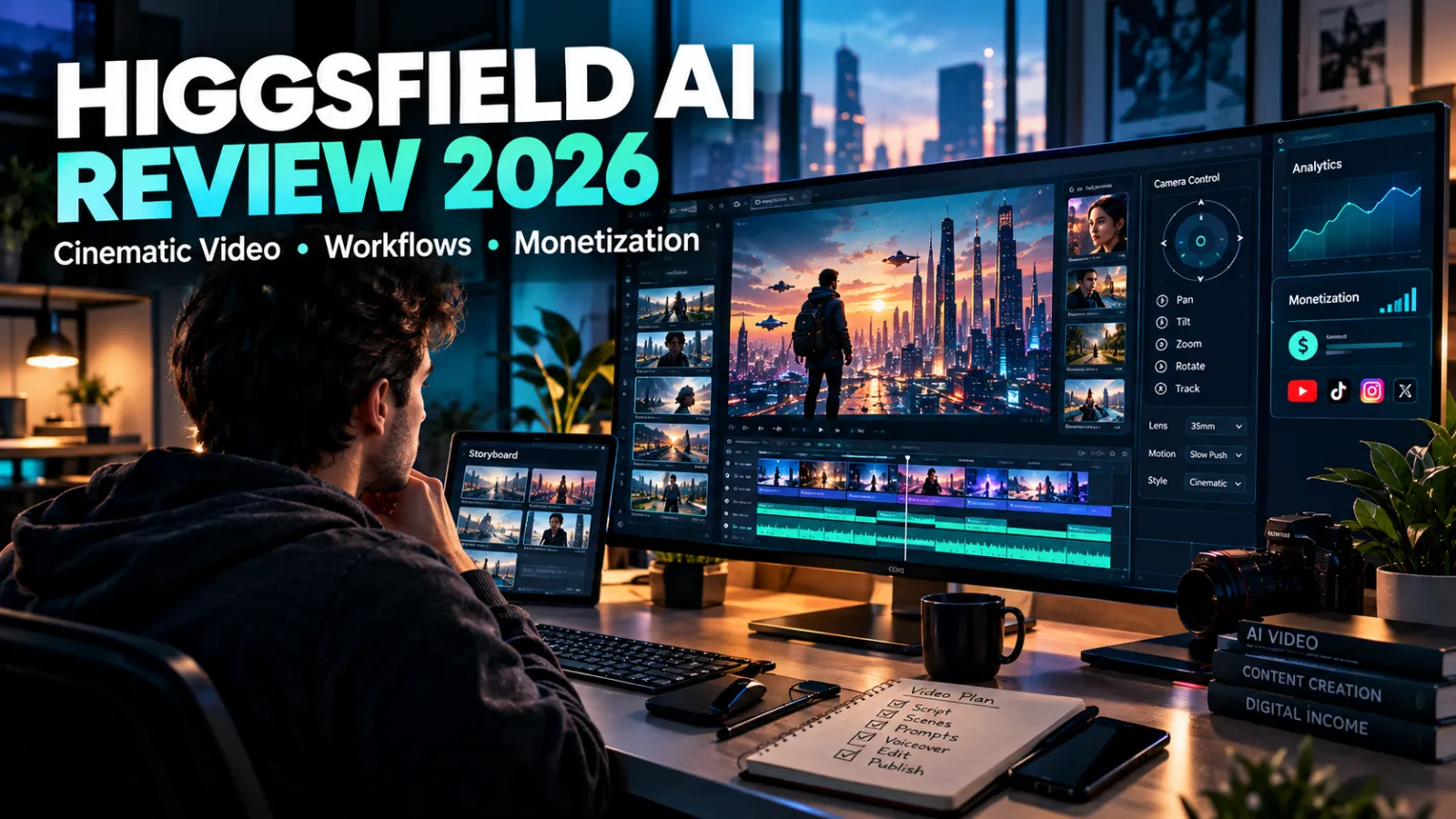
Higgsfield AI has emerged in 2026 as one of the most exciting contenders in the generative video space. While giants like OpenAI Sora, Runway Gen-3, and Kling AI dominate headlines, Higgsfield AI distinguishes itself by zeroing in on director-level control, camera choreography, and consistent character motion.
Whether you are building a faceless YouTube channel, producing viral TikTok content, or crafting high-end commercials for freelance clients, this in-depth review breaks down everything you need to know about Higgsfield AI in 2026.
---
What Is Higgsfield AI and Why Does It Stand Out?
At its foundation, Higgsfield AI is a next-generation video generation platform designed for cinematic storytelling. Unlike generic text-to-video generators that produce unpredictable camera drifts and warped limbs, Higgsfield was engineered around virtual camera physics and realistic physical kinetics.
Most AI video creators struggle with three notorious issues:
- Unstable camera motion: Traditional AI pans jerkily or rotates without intent.
- Character distortion: Faces morph and melt between frames.
- Lack of granular control: Standard prompts yield random lighting and framing changes.
Higgsfield addresses these pain points directly through specialized camera motion presets, custom motion path drawing, and prompt-driven cinematic lenses.
---
Core Features and Capabilities
1. Director-Level Camera Control
Higgsfield AI allows users to specify precise camera movements, including:
- Orbital 360-degree pans: Smooth circling shots around a subject.
- Crane and jib simulations: Sweeping vertical lifts that reveal grand vistas.
- Dolly zooms (Vertigo effect): Dynamic focal shifts that enhance drama.
- Rack focus: Shifting depth of field between foreground and background elements.
2. Multi-Subject Motion Consistency
One of Higgsfield's standout strengths is keeping human figures proportionate. Whether a character is sprinting through a futuristic metropolis or sipping espresso in a Parisian bistro, hands, faces, and gait mechanics retain structural integrity.
3. Integrated Storyboard and Clip Sequencing
Instead of generating isolated 4-second fragments, Higgsfield provides an integrated workspace where you can link scenes together, matching lighting temperatures, color grades, and character styles across multiple sequential shots.
---
Step-by-Step Generation Workflow
Creating your first cinematic scene with Higgsfield AI is intuitive when following this structured workflow:
Step 1: Crafting the Scene Prompt
Focus on lighting, lens specification, and specific subject action. Avoid vague adjectives.
Example Cinematic Prompt:
Medium close-up shot of a 30-year-old cyber-detective in a rain-soaked neon alleyway, moody amber streetlights reflecting in puddles, 35mm anamorphic lens, shallow depth of field, slow cinematic push-in, 4K photorealistic.
Step 2: Selecting Camera Motion
In the camera control tab, select your preferred motion vector:
- Set Movement Type to Slow Forward Push.
- Set Speed Intensity to 0.4 for smooth, realistic velocity.
- Enable Motion Blur for natural shutter mechanics.
Step 3: Upscaling and Audio Synchronization
Once the raw video renders, utilize Higgsfield's integrated resolution enhancer to output clean 1080p or 4K files. Pair your export with synthetic voiceovers from ElevenLabs and atmospheric sound effects inside an editor like CapCut or DaVinci Resolve.
---
Higgsfield AI Scorecard (2026)
| Evaluation Metric | Score | Editorial Commentary | | :--- | :--- | :--- | | Motion Physics | 9.2 / 10 | Extremely fluid limb movement; minimal warping on fast action. | | Camera Choreography | 9.5 / 10 | Best-in-class virtual camera presets and focal controls. | | Face & Detail Fidelity | 8.8 / 10 | Sharp textures, though complex crowd shots can occasionally blur. | | Rendering Speed | 8.5 / 10 | Averages 60 to 90 seconds per standard 5-second generation. | | Value for Money | 8.9 / 10 | Competitive credit tiering compared to Runway and Pika. |
The Advantages (Pros)
- Industry-leading camera simulation tools.
- Realistic lighting reflections and ambient shadow calculation.
- Clean user interface suitable for both beginners and seasoned filmmakers.
- Fast generation queues on standard subscription tiers.
The Drawbacks (Cons)
- Free tier generations feature small watermark overlays.
- Rapid credit consumption during heavy 4K upscaling.
- Maximum generation length per single generation remains capped at 5 to 8 seconds.
---
3 Proven Ways to Monetize Higgsfield AI Videos
Generative video tools are only as valuable as the revenue they generate. Here are three realistic monetization paths actively working in 2026:
1. Faceless YouTube Channels (Documentaries & History)
Documentary channels covering ancient civilizations, mystery investigations, and tech history command premium AdSense RPM rates ($8 to $25 per 1,000 views). Higgsfield AI excels at producing dramatic historical reenactments and atmospheric establishing shots without requiring expensive live-action footage or actors.
2. High-Retention TikTok and Instagram Reels
Short-form platforms prioritize viewer retention and watch time. By combining Higgsfield's cinematic camera sweeps with trending audio, creators are building automated niche pages (cyberpunk aesthetics, luxury lifestyle, fitness motivation) and generating income through brand partnerships and affiliate marketing.
3. Commercial Video Production for Local Businesses
Local real estate agencies, boutique hotels, and eCommerce brands are hungry for cinema-grade promotional clips. You can package 15-second social media ads using Higgsfield AI, charging between $100 and $300 per deliverables, completing projects in a fraction of traditional production time.
---
Frequently Asked Questions (FAQ)
Can I legally monetize videos made with Higgsfield AI?
Yes. Paid subscription plans grant full commercial rights for all generated media. You retain full ownership to monetize your videos on YouTube, social media platforms, or sell them directly to freelance clients.
How does Higgsfield AI compare to Runway Gen-3?
Runway Gen-3 offers massive versatility across abstract visuals, but Higgsfield AI provides tighter, more intuitive camera path controls and superior human physical realism for narrative filmmaking.
Do I need high-end computer hardware to run Higgsfield AI?
No. All rendering and neural processing take place on Higgsfield's cloud GPU clusters. You can run the entire workflow smoothly from any standard web browser or mobile phone.
What is the ideal video resolution for publishing?
While generations render natively at 720p or 1080p, running them through Higgsfield's internal upscaler produces crisp 4K outputs ideal for widescreen YouTube playback and professional portfolio presentations.
---
Final Verdict
Higgsfield AI represents a significant leap forward for independent creators and digital entrepreneurs. By placing granular cinematic controls into an accessible cloud interface, it bridges the gap between bedroom creators and Hollywood-grade production value. If you are serious about capitalizing on AI video in 2026, Higgsfield deserves an immediate spot in your production toolkit.

Passkeys Explained: How to Replace Your Passwords Safely
What passkeys are, why they resist phishing, and a step-by-step plan to switch your email, bank and social accounts without getting locked out.
Understanding the Basics of Cybersecurity at Home
Simple, jargon-free steps every household can take to protect accounts, devices and personal data.

15 Best AI Tools for Bloggers in 2026
A practical, honest guide to AI tools for bloggers, with realistic options, safety checks, common mistakes, and a clear starting plan.